
Get Started
In this tutorial you will deploy a fully functional Apache Airflow cluster on Kubernetes using Juju charms. By the end you will have a running Airflow instance with an API Server UI you can access from your browser.
What you’ll need
Ubuntu 24.04 (or later).
A machine with at least a 4-core CPU, 8 GB RAM, and 30 GB of free disk space.
A K8s cluster (v1.32+) with a Juju controller bootstrapped on it.
See Set up your juju deployment for a step-by-step guide.
What you’ll do
Deploy the Airflow charms and their database.
Integrate the charms.
Access the Airflow API Server UI.
Deploy the charms
This section walks you through deploying and integrating the charms that comprise the Charmed Airflow solution.
Deploy PostgreSQL and PgBouncer Charms
Airflow requires a PostgreSQL database to store metadata. Deploy the PostgreSQL and PgBouncer charms (optionally for connection pooling for the PostgreSQL charm) first:
juju deploy postgresql-k8s --trust
Note
PgBouncer charm is optional. The PgBouncer charm is a connection pooler, reducing the number of direct connections to the PostgreSQL charm. It is recommended for production workloads but not required.
juju deploy pgbouncer-k8s --trust
Deploy the Airflow Coordinator charm
The Airflow Coordinator is the central configuration hub. It generates and distributes the Airflow configuration.
juju deploy airflow-coordinator-k8s
Deploy the core Airflow components
Deploy the four core Airflow workload charms:
juju deploy airflow-api-server-k8s
juju deploy airflow-scheduler-k8s
juju deploy airflow-dag-processor-k8s
juju deploy airflow-triggerer-k8s
Note
This tutorial deploys the latest supported versions of the Airflow Charms. To use other versions, refer to the Charm Store.
These charms map to the Airflow components:
Charm |
Purpose |
|---|---|
|
Serves the Airflow dashboard UI and API Server. |
|
Schedules and triggers DAG runs. |
|
Parses DAG files and updates the metadata database. |
|
Handles deferred (asynchronous) tasks. |
Integrate the charms
Integrate the Airflow Coordinator charm with the database
juju integrate airflow-coordinator-k8s:postgres postgresql-k8s:database
Note
If you deployed the PgBouncer charm (recommended):
juju integrate pgbouncer-k8s:database postgresql-k8s:database
juju integrate airflow-coordinator-k8s:postgres pgbouncer-k8s:database
Integrate the API server charm with the Airflow Coordinator charm
The API server integrates with the Airflow Coordinator to share its host and port
information. This allows the Airflow Coordinator to include these details in the centralized
airflow.cfg, which it then distributes across the entire cluster.
juju integrate airflow-coordinator-k8s:airflow-api-server \
  airflow-api-server-k8s:airflow-api-server
Integrate all core charms with the Airflow Coordinator charm
Every core charm receives its Airflow configuration from the Airflow Coordinator charm
through the airflow-coordinator integration:
juju integrate airflow-coordinator-k8s:airflow-coordinator \
  airflow-api-server-k8s:airflow-coordinator

juju integrate airflow-coordinator-k8s:airflow-coordinator \
  airflow-scheduler-k8s:airflow-coordinator

juju integrate airflow-coordinator-k8s:airflow-coordinator \
  airflow-dag-processor-k8s:airflow-coordinator

juju integrate airflow-coordinator-k8s:airflow-coordinator \
  airflow-triggerer-k8s:airflow-coordinator
Wait for the deployment
Monitor the status of deployment with juju status and wait until all applications and units show active/idle. This can take
several minutes while the coordinator runs the initial database migration and
distributes the configuration.
Access the Airflow UI
The Airflow web UI is served by the API server charm on port 8080. There are several ways to reach it depending on your environment.
Using the API Server Unit IP directly.
Through traefik’s External IP or subdomain. Refer to the Traefik integration guide for details.
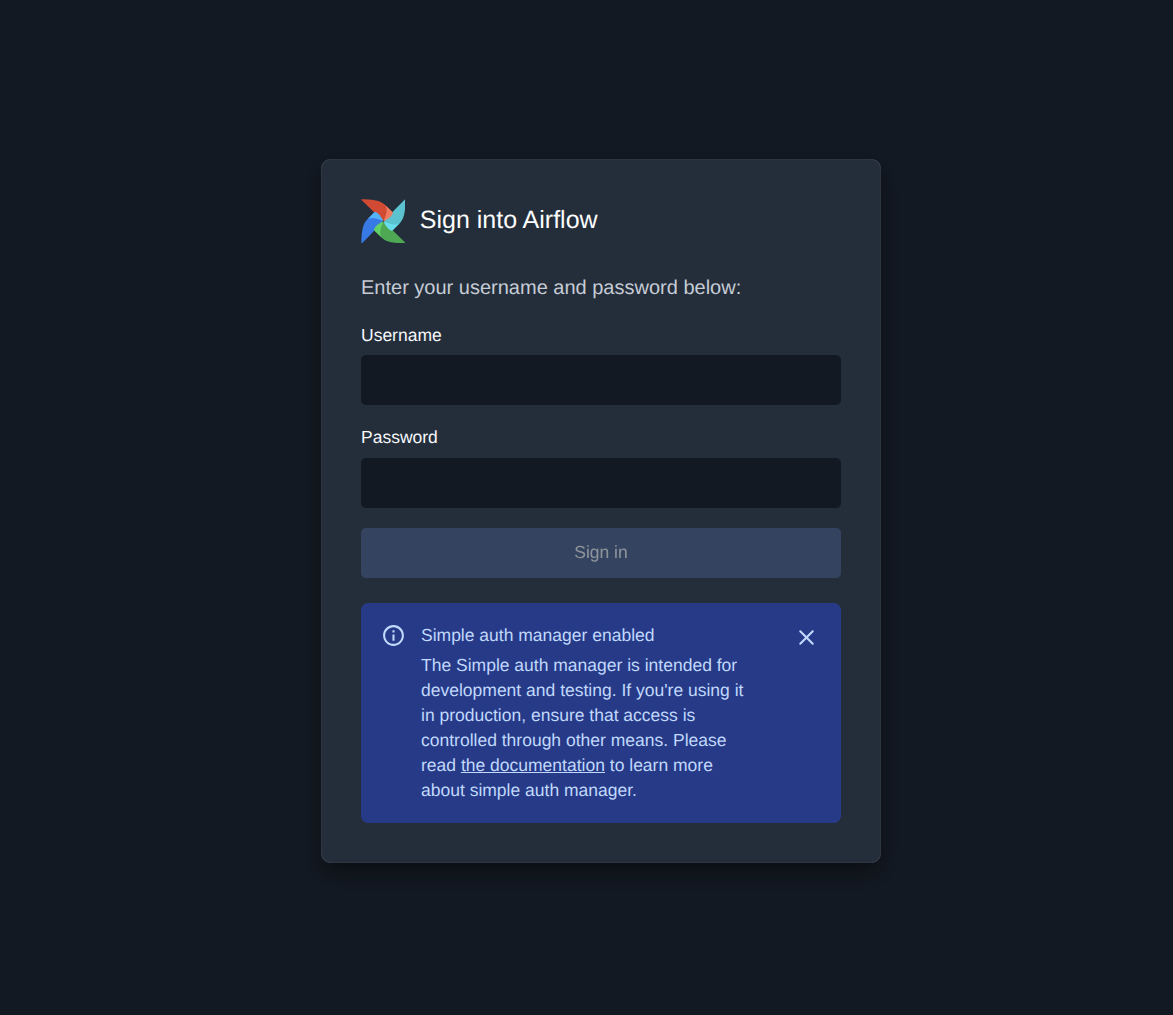
Retrieve the credentials from the API server pod:
kubectl exec -it airflow-api-server-k8s-0 -c airflow-api-server \
  -n airflow -- cat /opt/airflow/simple_auth_manager_passwords.json.generated
Alternatively, search the API server logs:
kubectl logs airflow-api-server-k8s-0 -c airflow-api-server -n airflow | grep -i password
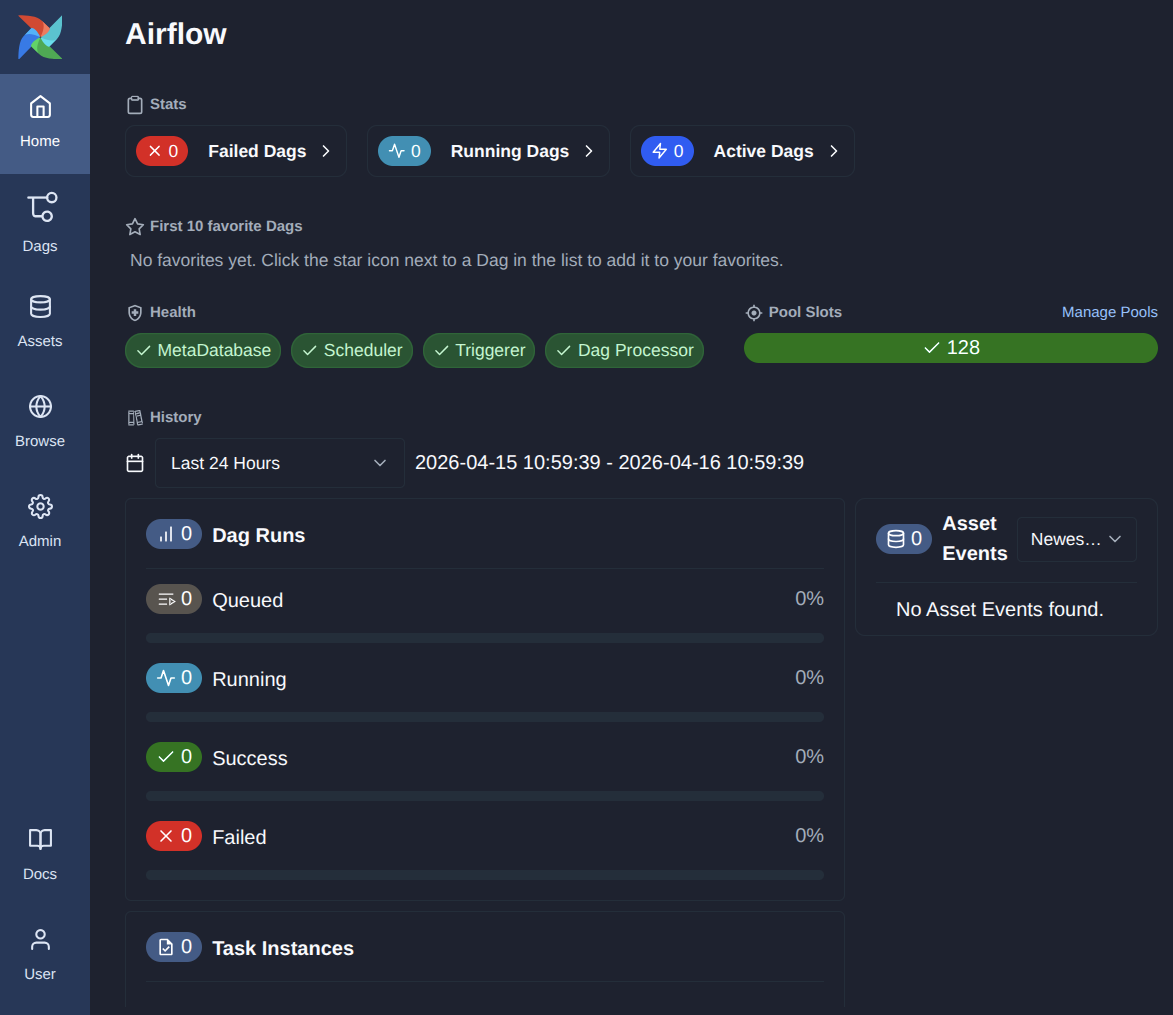
Once done, you are all set to start navigating the dashboard:
Next steps
Deploy with Terraform for an automated, reproducible deployment.
Integrate with Traefik for external HTTP/HTTPS access.
Integrate with Git Integrator to sync DAGs from a Git repository.